
Every computer and smartphone needs an operating system (OS). It is the master software that starts when you switch the device on and manages everything else.
The OS as a manager
Think of a busy restaurant. The kitchen (hardware) has cooks, ovens and fridges. The customers (apps) place orders. The manager makes sure orders reach the right cook, nothing clashes, and everything runs smoothly. The OS is that manager.
What does an operating system do?
- Manages the processor: decides which app gets to use the CPU and when, so many apps can run at once.
- Manages memory: gives each app space in RAM and keeps them from interfering.
- Manages storage: organises files and folders.
- Controls devices: communicates with the keyboard, screen, camera and printer through drivers.
- Provides the interface: the home screen, windows, icons and menus you use.
- Keeps you secure: handles passwords, permissions and updates.
The kernel
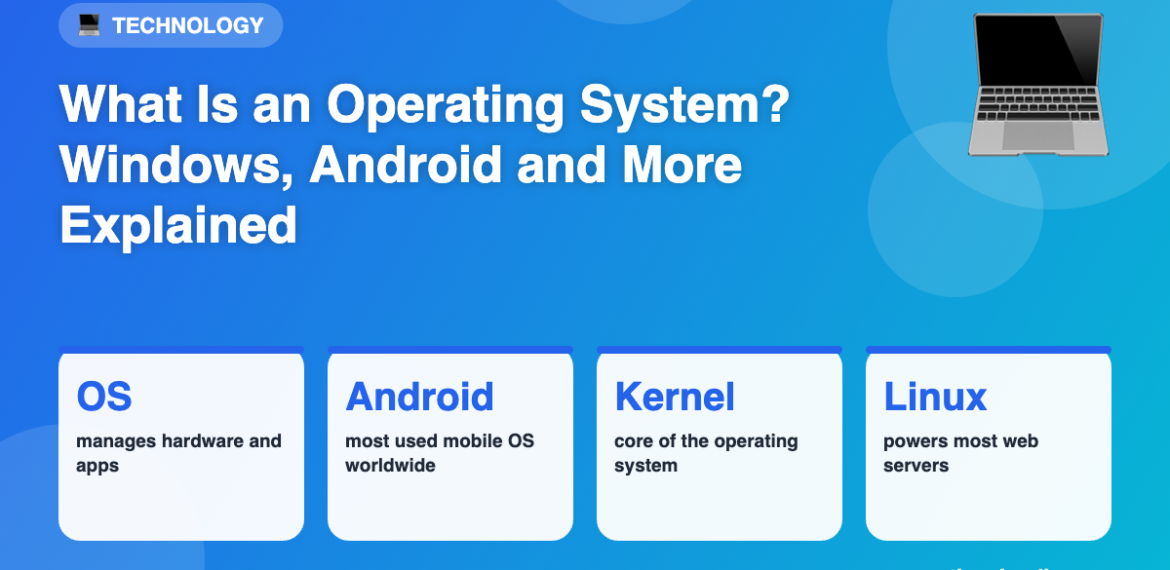
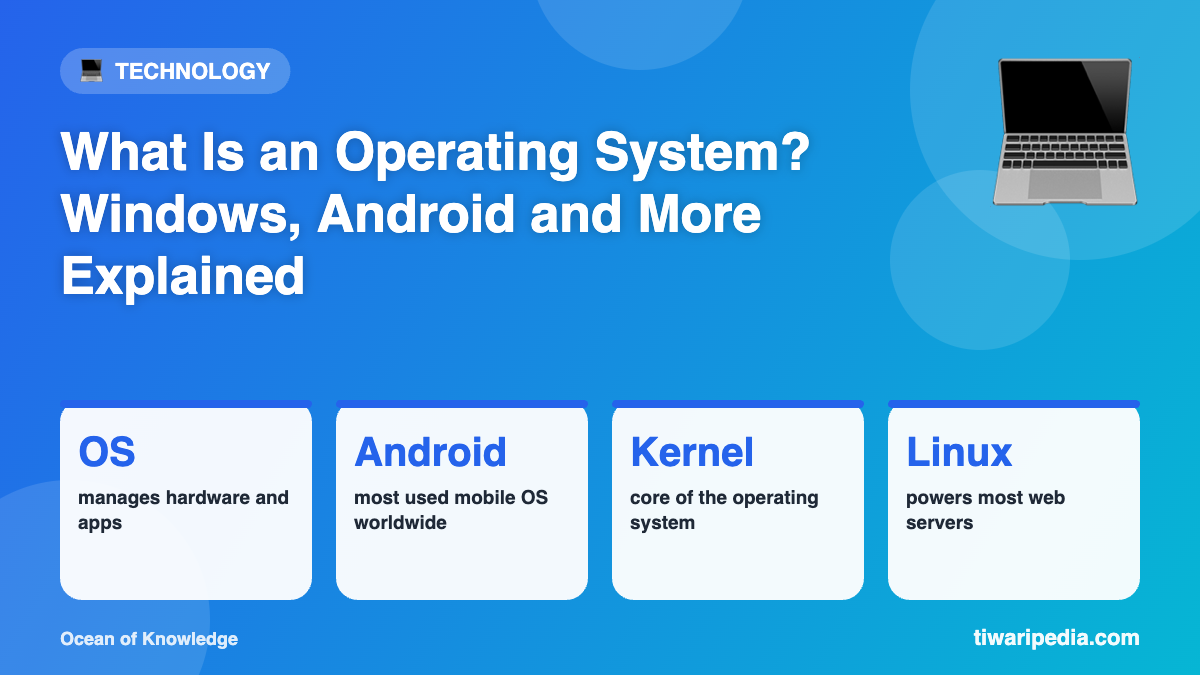
At the heart of every OS is the kernel, the core program that talks directly to the hardware.
Popular operating systems
- Windows (Microsoft): the most widely used desktop OS.
- macOS (Apple): used on Mac computers.
- Linux: free and open-source; it runs most of the world’s web servers and supercomputers.
- Android (Google): based on Linux, it is the most used mobile OS worldwide and dominant in India.
- iOS (Apple): runs iPhones.
Open source vs closed source
Open-source systems like Linux publish their code so anyone can study and improve it. Closed-source systems like Windows and iOS keep their code private.
Why do updates matter?
OS updates fix bugs, close security holes and add features. Keeping your OS updated is one of the simplest ways to stay safe online.