

Last updated: October 2026 · 8 min read
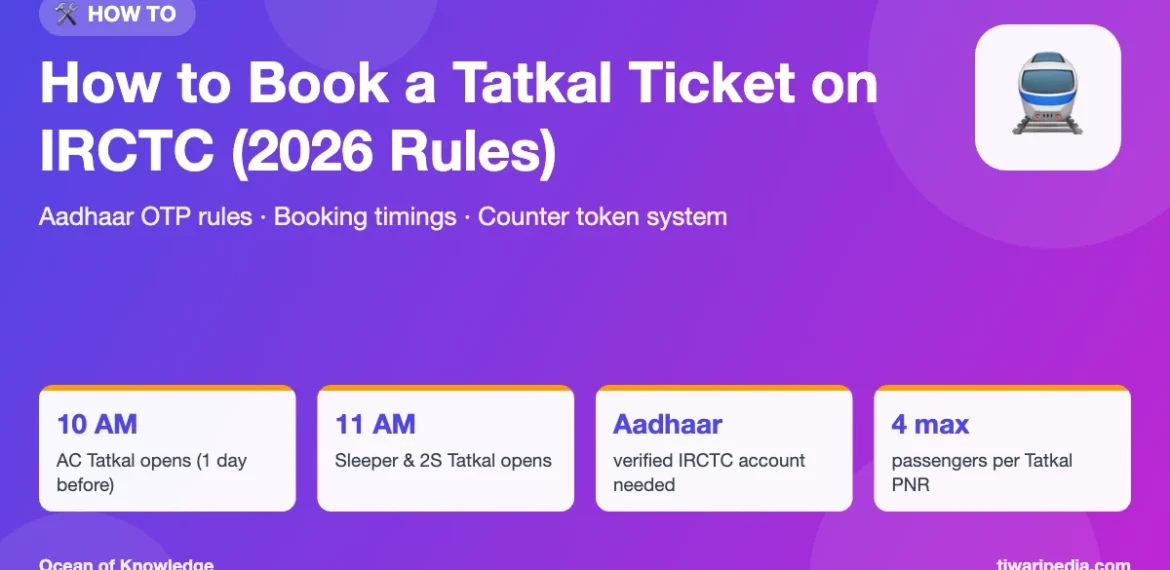
Need to travel tomorrow and all trains are full? Tatkal is Indian Railways’ quota for last-minute travel, and the IRCTC app and website are the fastest way to book it. Tatkal rules have changed a lot since July 2025: only Aadhaar-authenticated users can book online, an Aadhaar OTP is required, agents are blocked for the first 30 minutes, and from 1 August 2026 railway counters use a token system. Here’s exactly how to book a Tatkal ticket successfully in 2026.
Tatkal booking timings
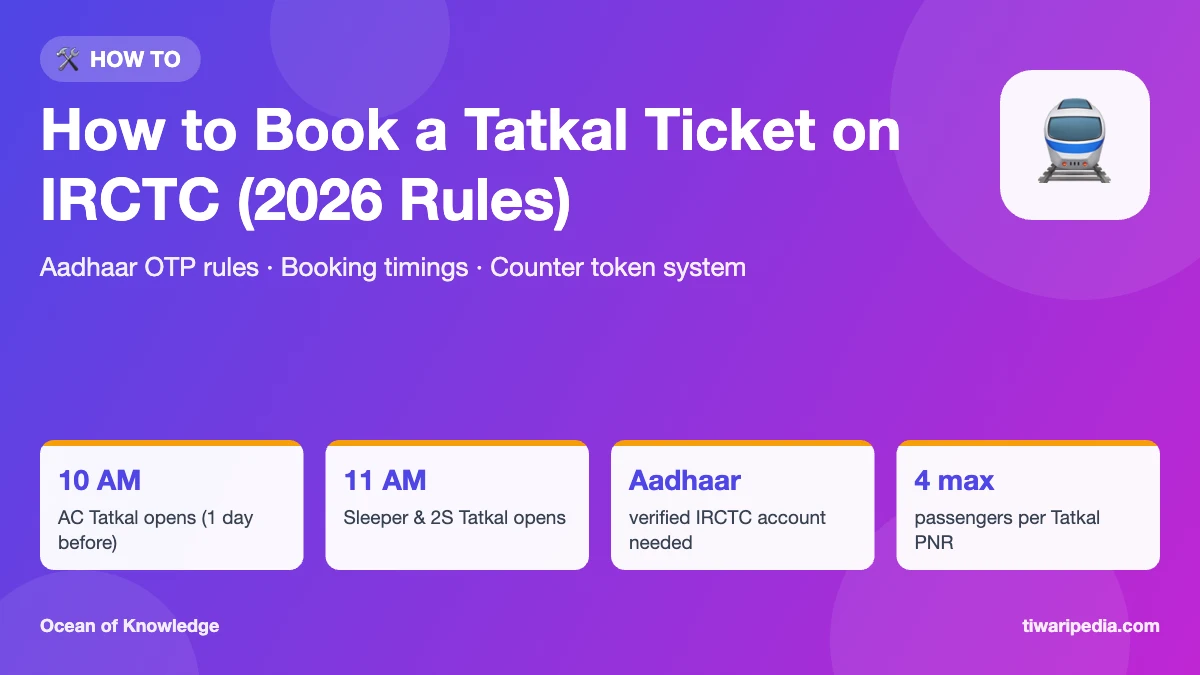
| Class | Booking opens | Agents allowed from |
|---|---|---|
| AC classes (1A, 2A, 3A, 3E, CC, EC) | 10:00 AM, one day before journey | 10:30 AM |
| Non-AC (Sleeper SL, Second Sitting 2S) | 11:00 AM, one day before journey | 11:30 AM |
“One day before” is counted from the date the train leaves its originating station. For a train that starts on 15 November, Tatkal opens on 14 November, even if you board at a later station.
New Tatkal rules you must know
- Aadhaar-authenticated users only: From 1 July 2025, only IRCTC accounts verified with Aadhaar can book Tatkal tickets online.
- Aadhaar OTP: From 15 July 2025, an OTP sent to the Aadhaar-linked mobile is required for online, counter and agent Tatkal bookings.
- No agents in the first 30 minutes: Authorised agents can’t book during 10:00-10:30 AM (AC) and 11:00-11:30 AM (non-AC).
- Counter token system (from 1 August 2026): At PRS counters, collect a token between 8:30-9:00 AM for AC and 9:30-10:00 AM for non-AC Tatkal, then book when your number is called. Carry a government photo ID; tokens are non-transferable. Online booking is not affected.
How to book a Tatkal ticket on IRCTC: step-by-step
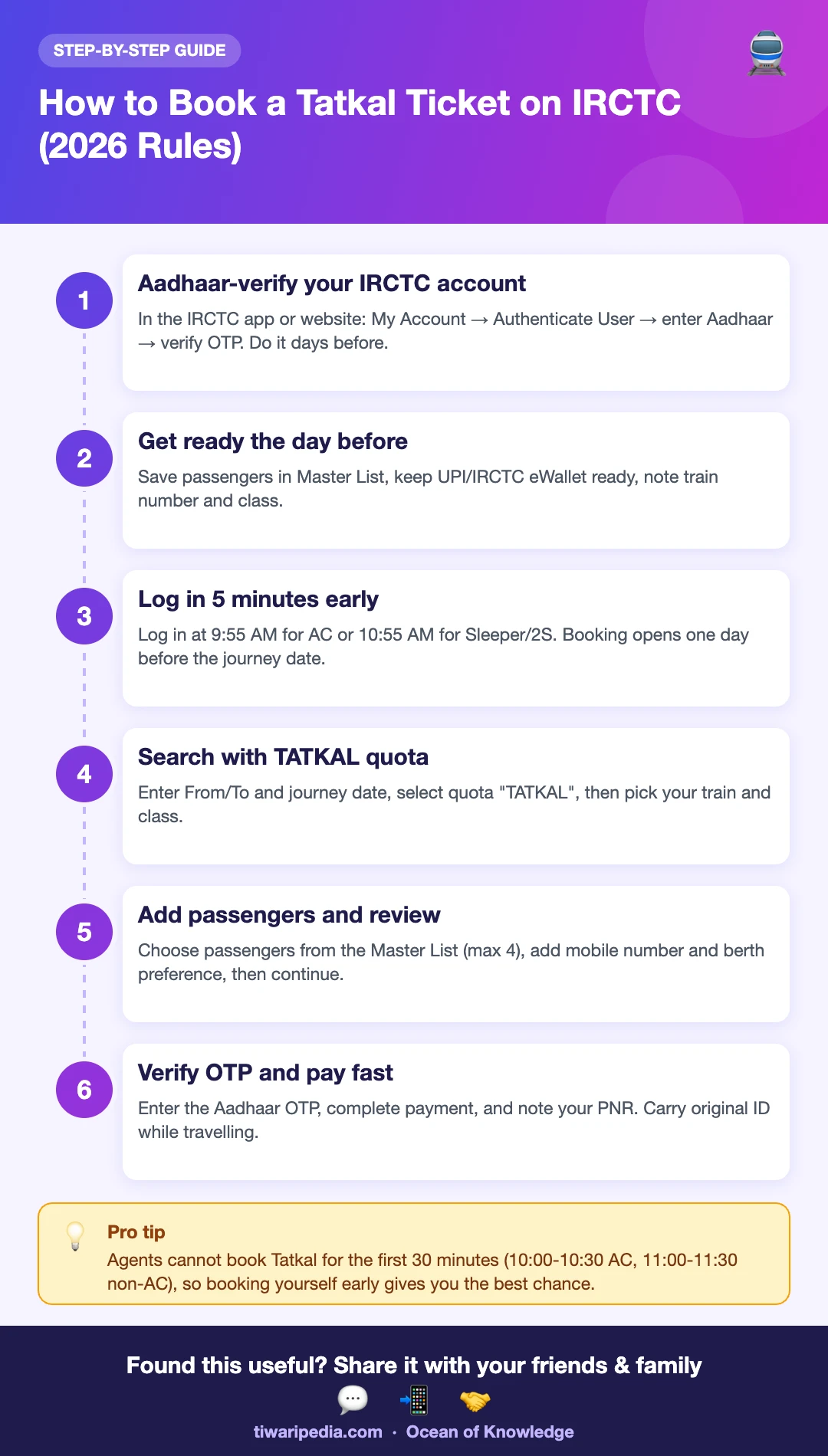
Step 1: Authenticate your IRCTC account with Aadhaar (do this in advance)
Log in to the IRCTC Rail Connect app or irctc.co.in. Go to My Account → Authenticate User, enter your Aadhaar number (or virtual ID), verify the OTP and confirm. This is a one-time step. Don’t leave it for Tatkal morning.
Step 2: Prepare everything the day before
- Add all travellers to My Profile → Master List with name, age, gender and ID details so you can select them in one tap.
- Keep a fast payment method ready: UPI, or top up the IRCTC eWallet.
- Note the train number, boarding station and class. Check a backup train too.
Step 3: Log in 5 minutes early
Log in at about 9:55 AM for AC or 10:55 AM for Sleeper. Keep the app updated and use a stable internet connection.
Step 4: Search with the TATKAL quota
Enter From and To stations, the journey date, and select the quota TATKAL. Choose your train and class and click Book Now as soon as the window opens.
Step 5: Add passengers and review
Select passengers from the Master List (a Tatkal PNR can have a maximum of 4 passengers), enter the mobile number, choose berth preferences and tick “Book only if confirm berths are allotted” if you don’t want a waitlisted ticket. Solve the captcha and continue.
Step 6: Verify the Aadhaar OTP and pay
Enter the OTP, select your payment method and pay quickly. Your PNR and e-ticket arrive on screen, by SMS and by email. Carry the original ID proof of at least one passenger during the journey.
Tatkal charges
Tatkal fares are the normal fare plus a Tatkal charge. The charge is 10% of the base fare for Second Sitting (2S) and 30% of the base fare for all other classes, subject to a minimum and maximum amount per class. Premium Tatkal on some trains uses dynamic pricing and costs more.
Cancellation and refund rules
- Confirmed Tatkal ticket: no refund on cancellation.
- Waitlisted Tatkal e-ticket: automatically cancelled if it remains waitlisted after charting; refund after deducting a clerkage charge.
- Train cancelled or delayed by more than 3 hours: full refund as per railway rules (file TDR where required).
Tips to improve your chances
- Book on the IRCTC app; it is usually faster than the website.
- Use the Master List and saved UPI; don’t type details during the rush.
- Avoid third-party “auto-fill” software and bots; they violate IRCTC rules and can get your account blocked.
- Have a plan B: alternate train, nearby station, or Premium Tatkal.
Frequently asked questions
Can I book Tatkal without linking Aadhaar?
No. Online Tatkal booking requires an Aadhaar-authenticated IRCTC account and Aadhaar OTP verification.
Can I book Tatkal for someone else?
Yes. You can book for family or friends from your Aadhaar-verified account; the OTP comes to your Aadhaar-linked mobile.
Are senior citizen concessions available in Tatkal?
No. Concessions do not apply to Tatkal tickets.
What is the general reservation Aadhaar rule?
Since 1 October 2025, during the first 15 minutes after normal (general) reservation opens, only Aadhaar-authenticated users can book online.
Keep exploring
Rules are as announced by Indian Railways and IRCTC at the time of writing. Check irctc.co.in for the latest. Spotted something that needs updating? Let us know.
Keep reading on Tiwaripedia
- How to Update Address in Aadhaar Online: Step-by-Step Guide, Documents and Head of Family Method (2026)
- How to Report Cyber Fraud in India: Call 1930, File on cybercrime.gov.in and Get Your Money Frozen
- How to Apply for a PAN Card Online: Free Instant e-PAN, Fees, Documents and Status (2026)
- How to Check and Pay Traffic Challan Online: e-Challan Status, 45-Day Rule and Virtual Court (2026)
- How to Download Aadhaar Card Online: e-Aadhaar PDF, Masked Aadhaar and Password (2026)
- How to Apply for Voter ID Online (Form 6) and Download e-EPIC on ECINET: 2026 Guide
More guides: All How To articles