

Last updated: October 2026 · 6 min read
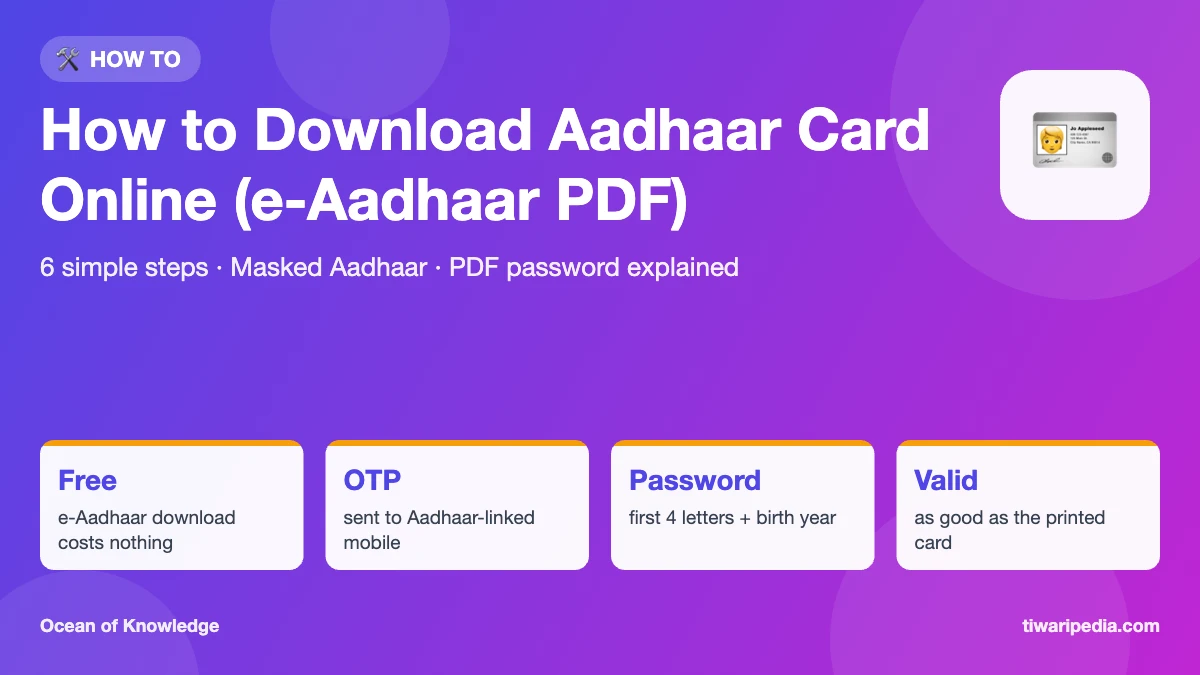
Lost your Aadhaar card, or need a copy for a bank, SIM card or job application right now? You don’t have to visit an Aadhaar centre. The e-Aadhaar is a password-protected PDF that you can download free of cost from UIDAI’s myAadhaar portal or the new Aadhaar app in about two minutes. It is digitally signed by UIDAI and is legally as valid as the physical card.
Before you start: what you need
- Your Aadhaar number (12 digits), or your Enrolment ID (EID) (28 digits, printed on the enrolment slip) if your Aadhaar was generated recently.
- Access to your Aadhaar-linked mobile number to receive the OTP.
- A phone or computer with a PDF reader.
How to download e-Aadhaar: step-by-step
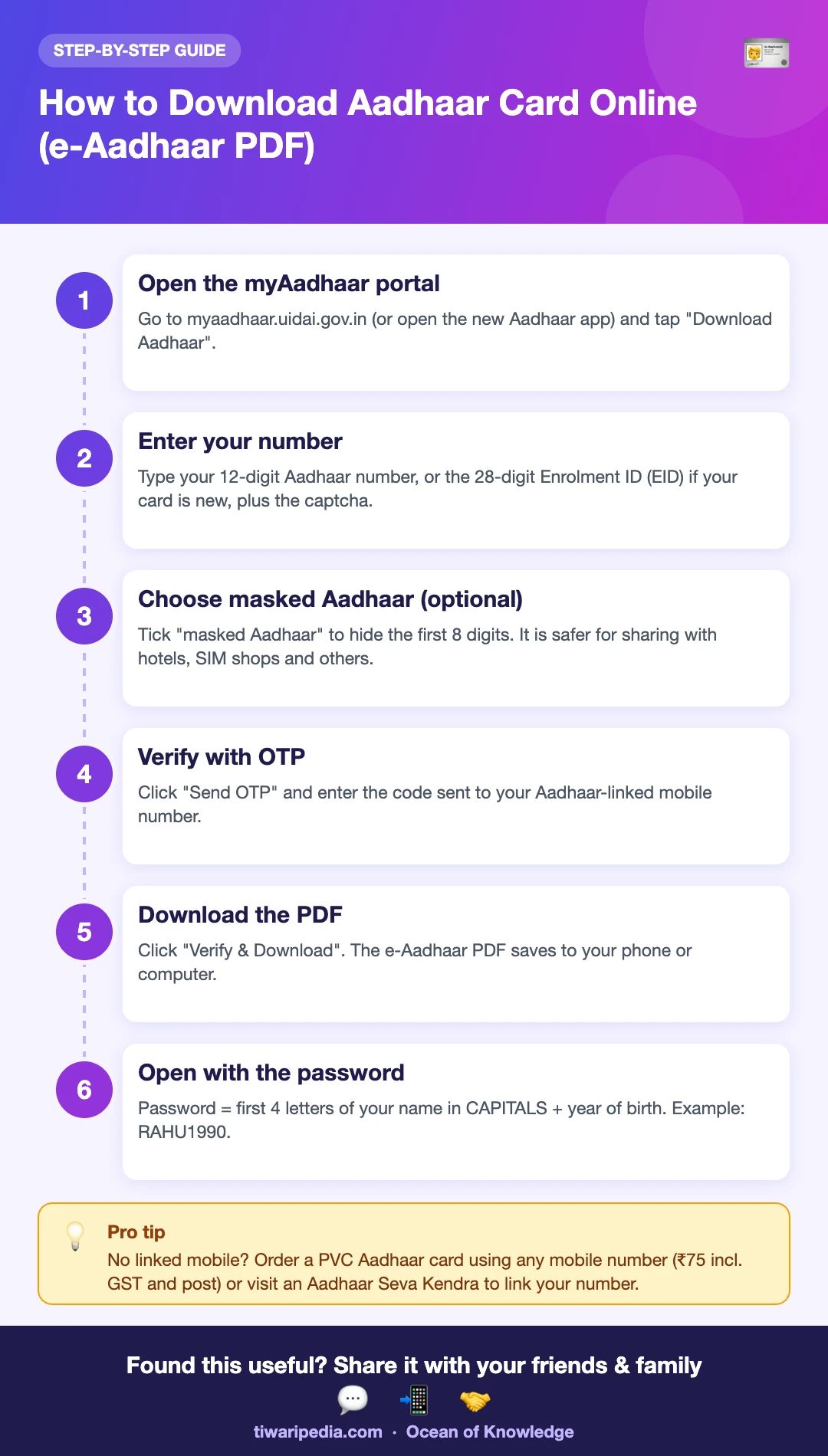
Step 1: Open the official myAadhaar portal
Go to myaadhaar.uidai.gov.in and click “Download Aadhaar”. You can also use UIDAI’s new Aadhaar app (Android and iPhone), which is replacing the older mAadhaar app. Only use the official UIDAI website or app; avoid look-alike sites that ask for money.
Step 2: Enter your Aadhaar number or Enrolment ID
Choose whether you will use your Aadhaar number or Enrolment ID, type it in, and fill the captcha shown on screen.
Step 3: Decide whether you want a masked Aadhaar
Tick “Do you want a masked Aadhaar?” if you only need it for identity proof. A masked Aadhaar hides the first 8 digits and shows only the last 4, which protects you from misuse when you give a copy to hotels, SIM shops, travel agents or offices. For government subsidies or bank KYC, the full version may be needed.
Step 4: Verify with OTP
Click “Send OTP”. A 6-digit OTP arrives on your Aadhaar-linked mobile. Enter it within the time limit.
Step 5: Download the PDF
Click “Verify & Download”. The e-Aadhaar PDF is saved to your device’s Downloads folder.
Step 6: Open the PDF with the password
The file is password-protected. The password is the first four letters of your name (as printed on Aadhaar) in CAPITAL letters, followed by your year of birth (YYYY).
| Name on Aadhaar | Year of birth | Password |
|---|---|---|
| Rahul Sharma | 1990 | RAHU1990 |
| S. Kumar | 1985 | S.KU1985 |
| Om (3 letters) | 2001 | OM2001 |
Note that dots and spaces in the name count as characters. If your name has fewer than four letters, use the whole name followed by the year.
Different types of Aadhaar you can get
| Form | How to get it | Cost | Best for |
|---|---|---|---|
| e-Aadhaar (PDF) | Download from myAadhaar or the Aadhaar app | Free | Instant use, printing, emailing |
| Masked e-Aadhaar | Same download, tick “masked” | Free | Sharing as ID proof safely |
| Aadhaar PVC card | Order online on myAadhaar; delivered by Speed Post | ₹75 (incl. GST and postage) | Durable wallet card |
| Digital Aadhaar in app | New Aadhaar app with face authentication | Free | QR-based sharing, showing only selected details |
Common problems and how to fix them
- OTP not received: Check signal and wait 60 seconds before resending. If the number is no longer active or not linked, you must update the mobile number at an Aadhaar Seva Kendra (it cannot be changed online).
- “Invalid password”: Re-check capital letters, include dots or spaces exactly as printed, and use your birth year from Aadhaar.
- Aadhaar not yet generated: Use “Check Enrolment & Update Status” on myAadhaar with your EID; download becomes possible once it is generated.
- Mobile not linked at all: Order a PVC card (it can be ordered using any mobile number for OTP) or visit an Aadhaar centre to link your number.
Safety tips
- Never share your Aadhaar OTP with anyone, including callers claiming to be from a bank or UIDAI.
- Use masked Aadhaar whenever full digits are not required.
- Lock your biometrics from the Aadhaar app or myAadhaar to prevent misuse; unlock only when needed.
- Delete the PDF from shared or public computers after printing.
Frequently asked questions
Is a downloaded e-Aadhaar valid everywhere?
Yes. A digitally signed e-Aadhaar is legally valid as proof of identity, just like the original letter or PVC card.
How many times can I download Aadhaar?
There is no limit; you can download it as many times as you need, free of cost.
Can I download Aadhaar without a registered mobile number?
Not the e-Aadhaar PDF. You can, however, order a PVC Aadhaar card using any mobile number, or link your number at an Aadhaar centre.
Is the mAadhaar app still working?
UIDAI has launched a new Aadhaar app and is phasing out mAadhaar. Data does not move automatically, so set up your profile again in the new app.
Keep exploring
- How to update address in Aadhaar online
- How to link PAN with Aadhaar
- More How To guides on Tiwaripedia
Steps are based on UIDAI’s official myAadhaar process at the time of writing. Portals change their screens from time to time; always use uidai.gov.in. Spotted something that needs updating? Let us know.
Keep reading on Tiwaripedia
- How to Link PAN with Aadhaar After the Deadline: Pay ₹1,000 Fee, Link and Check Status (2026)
- How to Report Cyber Fraud in India: Call 1930, File on cybercrime.gov.in and Get Your Money Frozen
- How to Book a Tatkal Ticket on IRCTC: 2026 Rules, Timings, Aadhaar OTP and Tips for Confirmed Seats
- Ayushman Bharat PM-JAY 2026: ₹5 Lakh Free Health Cover, Eligibility, Vay Vandana Card for 70+ and How to Get Your Card
- How to Edit Photos With Google Gemini AI (Nano Banana): Step-by-Step Guide and Best Prompts
- How to Apply for Voter ID Online (Form 6) and Download e-EPIC on ECINET: 2026 Guide
More guides: All Government Schemes articles