

Last updated: October 2026 · 7 min read
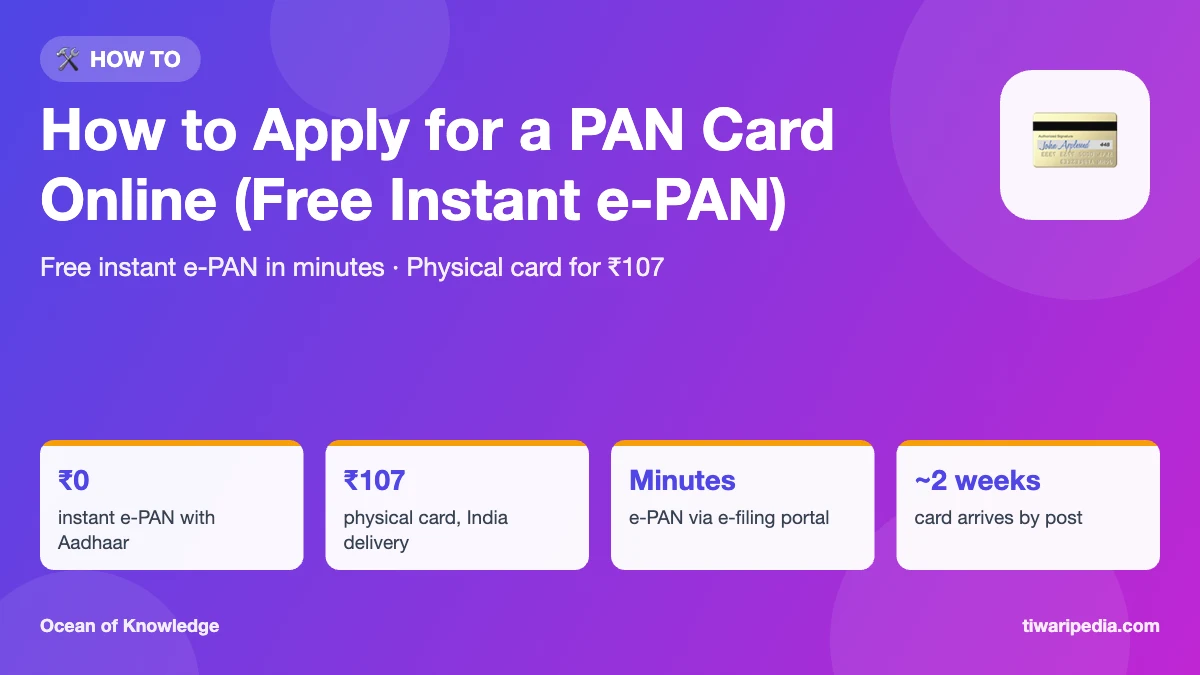
A PAN (Permanent Account Number) is needed to open a bank account, invest in mutual funds, file income tax returns, buy property and make high-value transactions. If you have an Aadhaar card linked to your mobile, you can get a PAN free of cost, in minutes, through the Income Tax Department’s Instant e-PAN service. If you want a physical plastic card, you can apply through Protean (formerly NSDL) or UTIITSL for a small fee.
Three official ways to get a PAN
| Route | Who it suits | Fee | Time |
|---|---|---|---|
| Instant e-PAN (incometax.gov.in) | Adults with Aadhaar and a linked mobile | Free | Usually within minutes |
| Protean (NSDL) – e-PAN only | Anyone who wants only a digital PAN via Protean | ₹72 | About 48 hours |
| Protean / UTIITSL – physical card | Physical card, minors, NRIs, firms, companies | ₹107 (India delivery); ₹1,017 abroad | About 2 weeks by post |
An e-PAN is a digitally signed PDF and is as valid as a physical card for all purposes.
Method 1: Instant e-PAN (free) – step-by-step
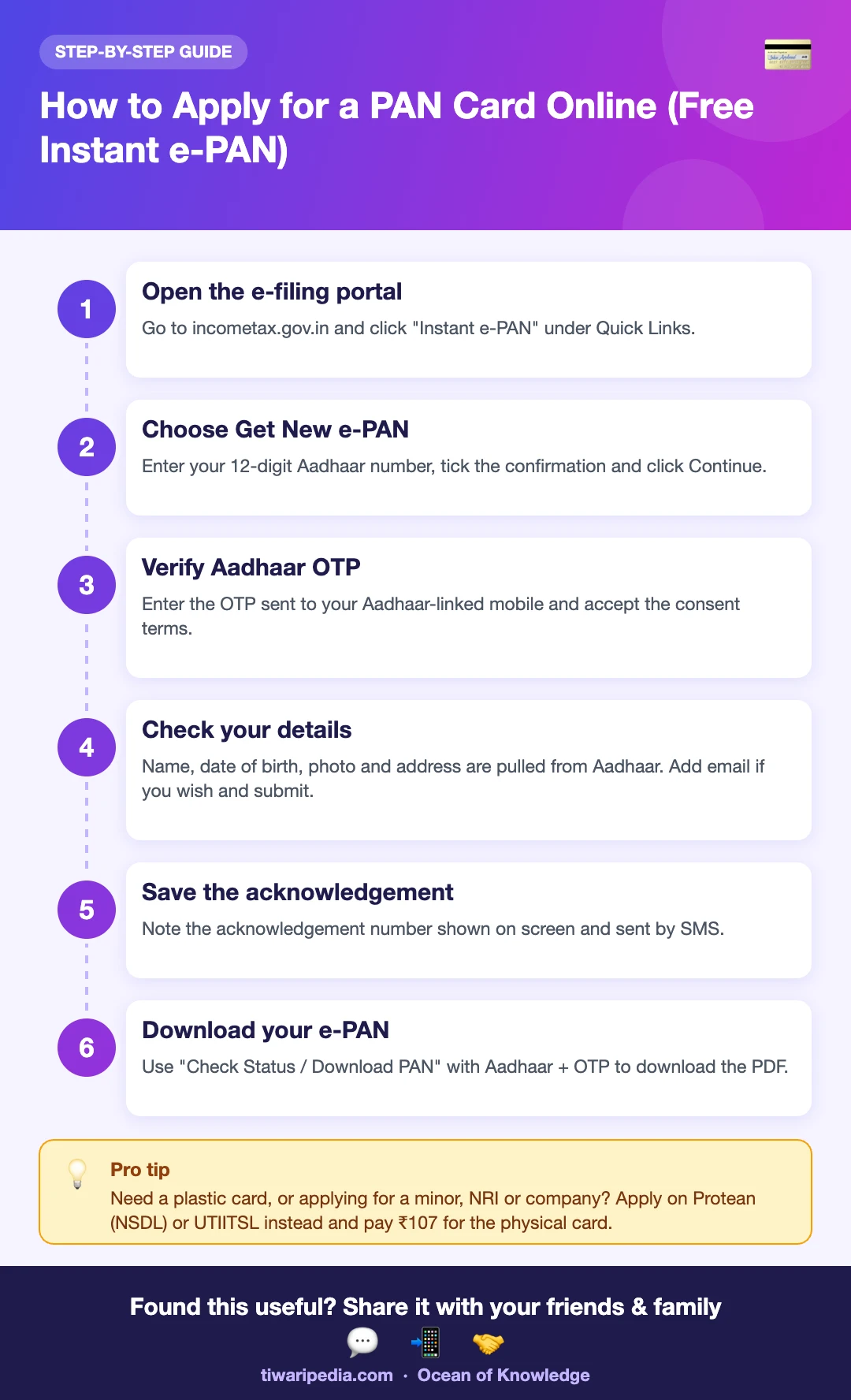
Step 1: Open the e-filing portal
Visit www.incometax.gov.in. Under Quick Links, click Instant e-PAN. You don’t need to register or log in.
Step 2: Choose “Get New e-PAN”
Click Get New e-PAN, enter your 12-digit Aadhaar number, tick the box confirming you don’t already have a PAN, and click Continue. Having two PANs is illegal and attracts a penalty, so don’t apply if you already have one.
Step 3: Verify with Aadhaar OTP
Read and accept the consent terms, then enter the 6-digit OTP sent to your Aadhaar-linked mobile number.
Step 4: Validate your details
Your name, date of birth, gender, photo and address are fetched from Aadhaar. Check them carefully. You can add and verify an email ID to receive the e-PAN by email.
Step 5: Submit and save the acknowledgement number
Submit the request. An acknowledgement number appears on screen and is sent to your mobile. Save it.
Step 6: Download your e-PAN
Go to Instant e-PAN → Check Status / Download PAN, enter your Aadhaar number and OTP, and download the PDF once it’s generated (usually within minutes).
Method 2: Physical PAN card via Protean or UTIITSL
- Visit the official Protean (onlineservices.proteantech.in) or UTIITSL (pan.utiitsl.com) PAN portal and choose New PAN – Indian Citizen.
- Fill in your personal details. The online form automatically selects the correct application form for you.
- Choose how to submit documents: Aadhaar e-KYC with OTP is easiest and needs no uploads. Other options are scanned documents with e-sign, or sending physical documents by post.
- Select physical PAN card (or e-PAN only), and pay the fee online.
- Complete Aadhaar OTP authentication or e-sign, and save the 15-digit acknowledgement (Protean) or application coupon number (UTIITSL).
- Track the status online. The card is delivered by Speed Post, and an e-PAN is emailed earlier.
Documents you need
- With Aadhaar e-KYC: Aadhaar alone covers identity, address and date of birth.
- Without Aadhaar: separate proofs of identity (e.g. passport, voter ID, driving licence), address (e.g. utility bill, bank statement) and date of birth (e.g. birth certificate, matriculation certificate).
- For minors: the application is made by a parent or guardian, with the parent’s proofs as representative assessee.
Common mistakes to avoid
- Applying for a second PAN when you already have one (penalty of ₹10,000).
- Name or date of birth different from Aadhaar, which later blocks PAN-Aadhaar linking.
- Using unofficial “PAN agents” or websites that charge extra; the official fee is small.
- Forgetting to save the acknowledgement number.
Frequently asked questions
Is e-PAN valid without the physical card?
Yes. The e-PAN is a valid proof of PAN everywhere. You can order a physical reprint later if you want one.
I lost my PAN card. Do I need a new PAN?
No. Your PAN number never changes. Download the e-PAN again or order a reprint from Protean or UTIITSL.
Can I get a PAN without Aadhaar?
Yes, through Protean or UTIITSL with other identity, address and date-of-birth proofs. The instant e-PAN route requires Aadhaar.
What is PAN 2.0?
PAN 2.0 is the government’s project to bring all PAN services onto a single, upgraded digital platform with a QR code on the card. Existing PANs remain valid and you don’t need to apply for a new one.
Keep exploring
- How to file ITR online
- Income Tax Act 2025 explained
- CIBIL score explained
- How to link PAN with Aadhaar (₹1,000 fee)
- More How To guides on Tiwaripedia
Fees and steps are as per the Income Tax Department, Protean and UTIITSL portals at the time of writing. Spotted something that needs updating? Let us know.
Keep reading on Tiwaripedia
- How to Check and Pay Traffic Challan Online: e-Challan Status, 45-Day Rule and Virtual Court (2026)
- How to Link PAN with Aadhaar After the Deadline: Pay ₹1,000 Fee, Link and Check Status (2026)
- How to Update Address in Aadhaar Online: Step-by-Step Guide, Documents and Head of Family Method (2026)
- How to File ITR Online for AY 2026-27: Step-by-Step Guide for Salaried Employees
- How to Book a Tatkal Ticket on IRCTC: 2026 Rules, Timings, Aadhaar OTP and Tips for Confirmed Seats
- How to Download Aadhaar Card Online: e-Aadhaar PDF, Masked Aadhaar and Password (2026)
More guides: All How To articles