

When you type a website name and press Enter, the page appears in a second or two. Behind that simple action is a remarkable global system. Here is what happens, step by step.
1. Your device connects to a network
Your phone or laptop connects to the internet through Wi-Fi, mobile data or a cable. Your Internet Service Provider (ISP), such as a telecom or broadband company, links you to the wider internet.
2. DNS finds the address
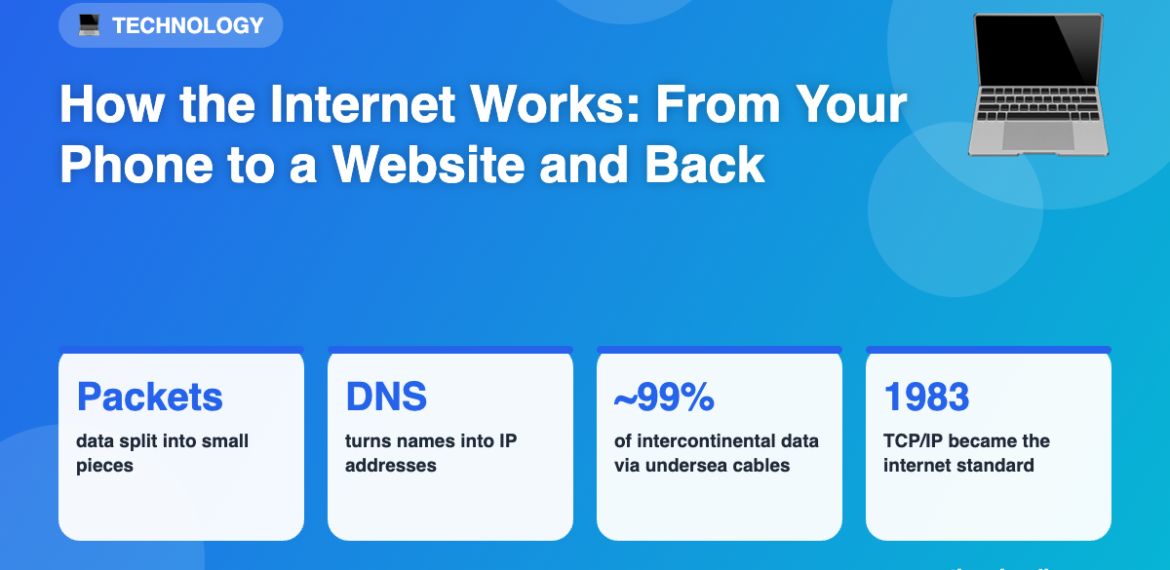
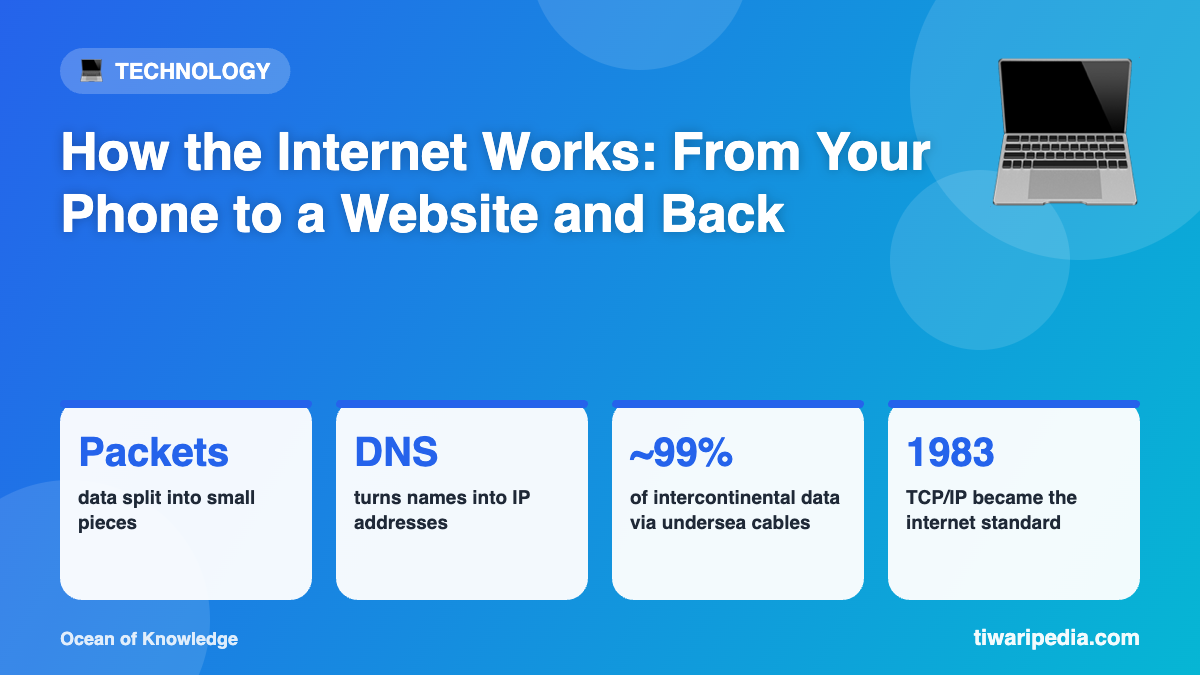
Computers do not understand names like tiwaripedia.com. They use numerical IP addresses. The Domain Name System (DNS) works like the internet’s phone book, translating the website name into the IP address of the server that holds it.
3. Your request travels in packets
Your request is broken into small chunks called packets. Each packet carries part of the data plus the destination address. Packets may take different routes and are reassembled at the other end. The rules for this are called TCP/IP.
4. Routers direct the traffic
Routers act like traffic police, passing packets from network to network towards their destination. Data between continents mostly travels through undersea fibre-optic cables as pulses of light, not via satellites.
5. The server responds
A server is a powerful computer that stores websites. It receives your request and sends back the page’s files (text, images and code) as packets.
6. Your browser builds the page
Your browser reassembles the packets and displays the page. The padlock icon and “https” mean the data is encrypted, so others cannot read it in transit.
Internet vs World Wide Web
- The internet is the global network of connected computers.
- The World Wide Web, invented by Tim Berners-Lee in 1989, is the system of web pages and links that runs on top of the internet.