
Last updated: October 2026 · 3 min read
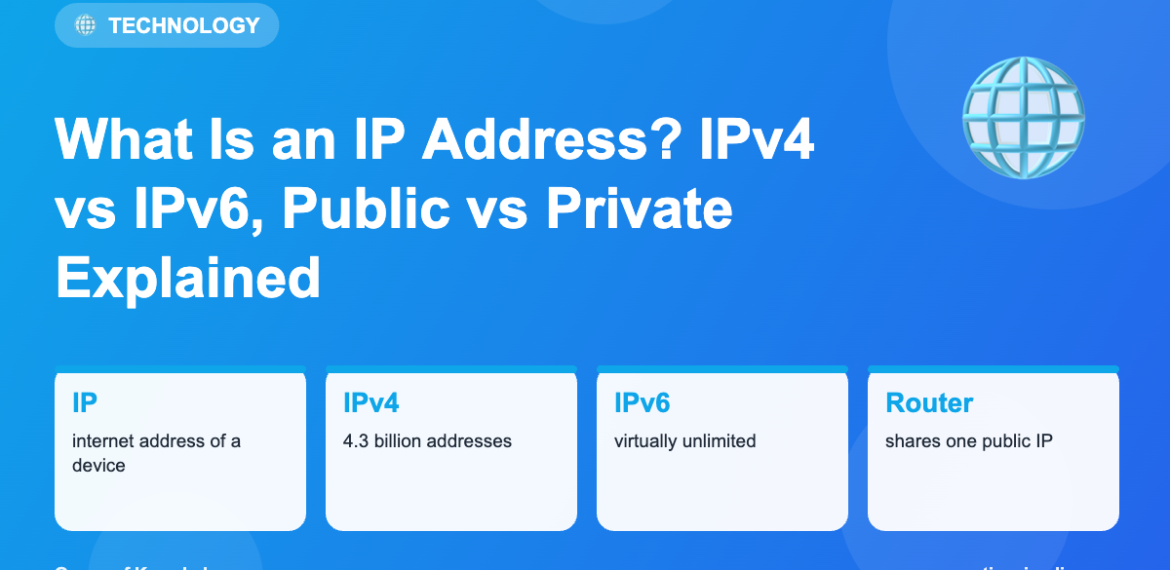
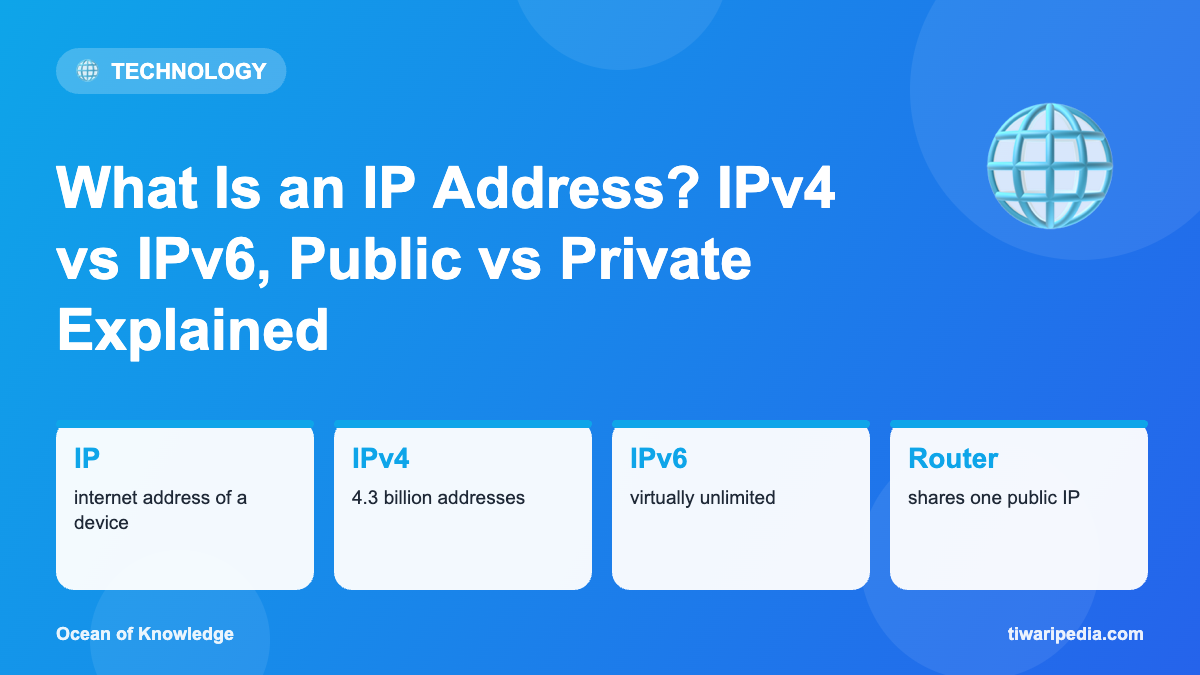
Every device on the internet needs an address so data knows where to go, just as a letter needs a postal address. That address is the IP (Internet Protocol) address.
IPv4 and IPv6
IPv4 addresses look like192.168.1.10: four numbers from 0 to 255. That allows about 4.3 billion addresses, which the world has largely run out of. IPv6 addresses look like 2401:4900:1c2a::1 and allow an almost unlimited number. Indian mobile networks have been among the world’s largest adopters of IPv6.
Public vs private IP
| Public IP | Private IP | |
|---|---|---|
| Who sees it | Websites and the internet | Only devices on your home or office network |
| Assigned by | Your internet provider (ISP) | Your Wi-Fi router |
| Example | 49.36.x.x | 192.168.0.5 |
How data finds you
- You type a website name.
- DNS translates the name into the site’s IP address.
- Your router sends the request from your public IP.
- The website replies to that IP.
- Your router forwards the reply to your device’s private IP (this is called NAT).
Static vs dynamic IP
Most home and mobile users get a dynamic IP that can change. Businesses hosting servers often pay for a static IP that stays the same.
How to find your IP address
- Public IP: search “what is my IP” in a browser.
- Windows: open Command Prompt and type
ipconfig. - Android/iPhone: Settings → Wi-Fi → tap your network.
What can someone do with your IP?
An IP address reveals your approximate city and internet provider, not your exact home. Your ISP can link it to your account, and authorities can request that information legally. Use a strong router password and keep devices updated; a VPN can hide your IP from websites.
Frequently asked questions
Is my IP address personal data?
It can be treated as personal data when linked to you, so websites should handle it carefully.
Why does my IP keep changing?
Your ISP assigns dynamic addresses that change when you reconnect or after a period of time.
What is 127.0.0.1?
It is “localhost”, an address a computer uses to talk to itself.
Keep exploring
Facts are based on widely accepted official, scientific and historical sources at the time of writing. Spotted something that needs updating? Let us know.