

Last updated: October 2026 · 3 min read
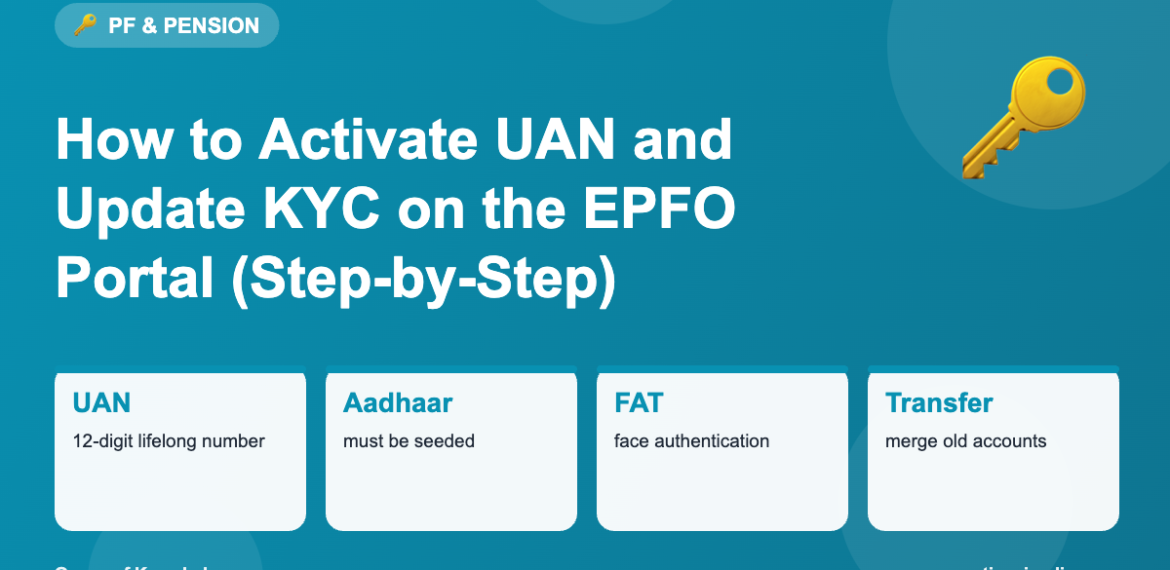
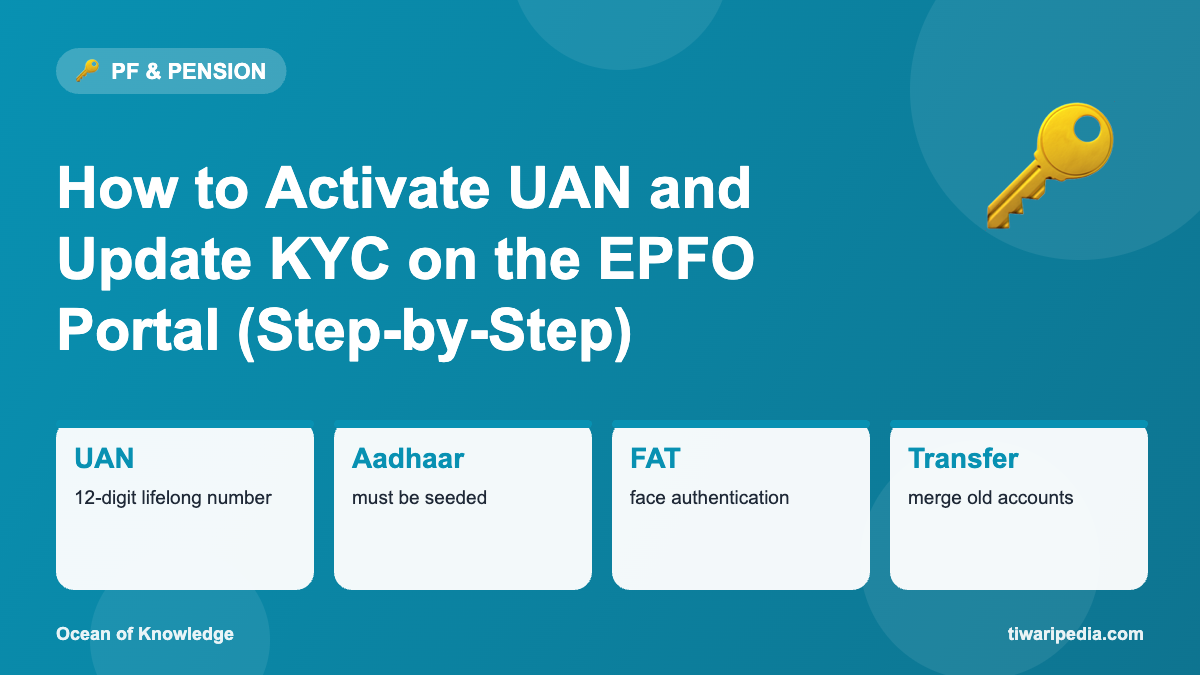
The Universal Account Number (UAN) is a 12-digit number that stays with you for your whole career. All your PF accounts with different employers are linked to it. Activating UAN and completing KYC lets you check balances, transfer PF and withdraw online.
How to activate UAN
- Get your UAN from your salary slip or HR.
- Visit the EPFO Unified Member Portal and choose “Activate UAN”, or use the UMANG app.
- Enter UAN, name, date of birth, Aadhaar and mobile number.
- Verify with Aadhaar OTP; EPFO has moved to Aadhaar-based face authentication (FAT) through the UMANG app for new activations.
- Set a password and log in.
Complete your KYC
| KYC detail | Why it matters |
|---|---|
| Aadhaar | Mandatory for online claims and UAN activation |
| PAN | Avoids higher TDS on early withdrawals |
| Bank account with IFSC | Where your claim money is paid |
| Mobile number | For OTPs and alerts |
Add KYC under “Manage → KYC” on the portal; your employer approves it digitally.
Fixing name, date of birth or other mismatches
EPFO allows members to correct name, date of birth, gender, nationality, parents’ names and joining/leaving dates online for UANs linked with Aadhaar, often without employer approval when the data matches Aadhaar. Use “Manage → Modify Basic Details”.
Merge old PF accounts
- Log in to the member portal.
- Go to “Online Services” → “One Member – One EPF Account (Transfer Request)”.
- Select the previous employer’s PF account.
- Verify with OTP.
- Track the transfer status online.
Security tips
- Never share your UAN password or OTP.
- EPFO never asks for payment to process claims.
- Use only the official EPFO portal and UMANG app.
Frequently asked questions
Does UAN change when I change jobs?
No. The same UAN continues; your new employer links your new PF account to it.
Can I have two UANs?
You should have only one. If you have two, ask EPFO to deactivate one and transfer the balance.
How do I find my UAN?
From your salary slip, Form 16, HR, or “Know your UAN” on the EPFO portal using Aadhaar and mobile.
Keep exploring
- How to check PF balance
- PF withdrawal rules
- EPF interest calculation
- More PF & Pension articles on Tiwaripedia
This article is for general information, not financial, tax or legal advice. Rates, limits and rules change; always confirm on the official website or with a qualified advisor before you act. Spotted something that needs updating? Let us know.