

Last updated: October 2026 · 3 min read
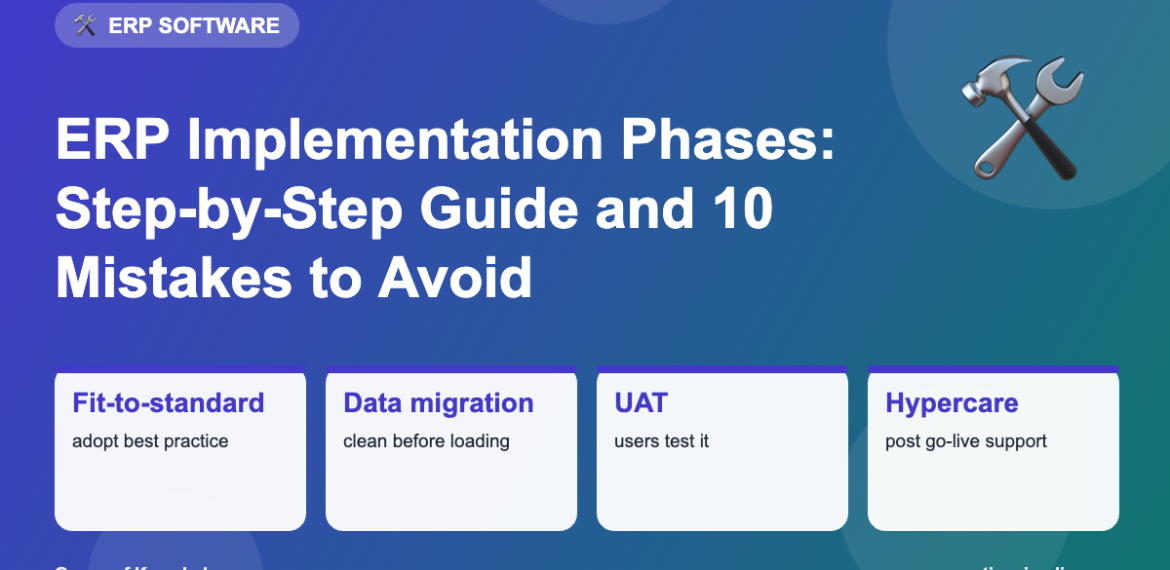
Buying ERP software is the easy part. Making it work for your business takes a structured implementation. Most projects follow similar phases, whether they use SAP Activate, Oracle’s methods or Microsoft’s Success by Design.
The phases at a glance
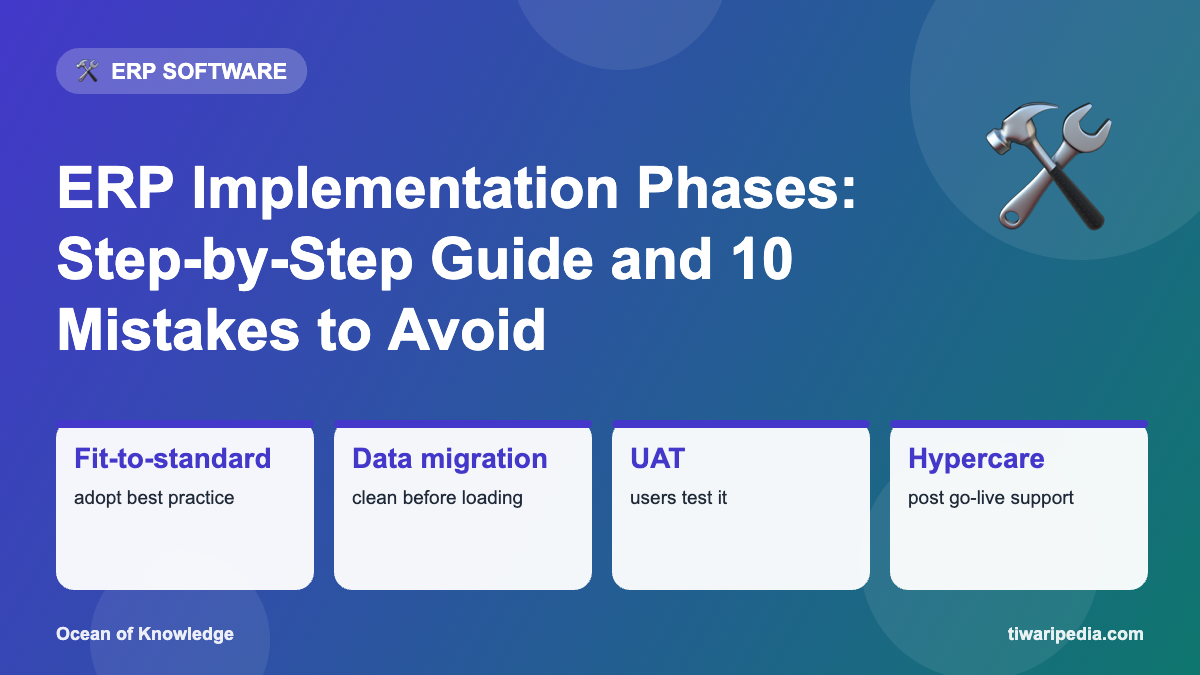
| Phase | What happens | Key outputs |
|---|---|---|
| 1. Discover and prepare | Business case, scope, team, partner selection | Project charter, plan |
| 2. Explore / design | Fit-to-standard workshops, gap analysis | Solution design, backlog |
| 3. Realise / build | Configuration, development, integrations | Configured system |
| 4. Test | Unit, integration and user acceptance testing (UAT) | Signed-off test results |
| 5. Data migration | Cleanse and load master and open data | Validated data |
| 6. Train and change management | End-user training, communications | Trained users |
| 7. Deploy / go-live | Cutover, final data load, switch-over | Live system |
| 8. Run / hypercare | Stabilise and support | Support model, improvements |
Fit-to-standard: the modern approach
Instead of copying old processes, teams review the ERP’s built-in best practices and change the business process where sensible. Customisation is kept for genuine competitive advantages. This keeps cloud ERP upgradeable and reduces cost.
10 common mistakes
- Unclear scope and too many “nice-to-haves”.
- Weak executive sponsorship.
- Heavy customisation of standard processes.
- Underestimating data cleansing.
- Putting part-time business users on the project.
- Skipping proper integration testing.
- Last-minute training.
- Ignoring change management and user fears.
- Unrealistic go-live dates.
- No plan for post-go-live support.
Tips for success
- Define measurable goals such as faster closing or lower inventory.
- Appoint strong process owners from each department.
- Prototype early and show users real screens.
- Run at least two mock data migrations.
- Plan a clear cutover weekend with rollback options.
- Track adoption after go-live with dashboards.
Frequently asked questions
What is SAP Activate?
SAP’s implementation methodology with phases Discover, Prepare, Explore, Realize, Deploy and Run.
What is UAT in ERP?
User Acceptance Testing: business users test real scenarios to confirm the system meets their needs before go-live.
What is hypercare?
A period of intensive support right after go-live, usually a few weeks, to fix issues quickly.
Keep exploring
- SAP Solution Architect guide: SAP Activate
- What is ERP?
- ERP for small business in India
- More ERP Software articles on Tiwaripedia
Facts are based on widely accepted official, scientific and historical sources at the time of writing. Spotted something that needs updating? Let us know.