

As more of our banking, shopping and communication moves online, cyber criminals have followed. The good news: most scams can be avoided with a few simple habits.
1. Never share OTPs, PINs or passwords
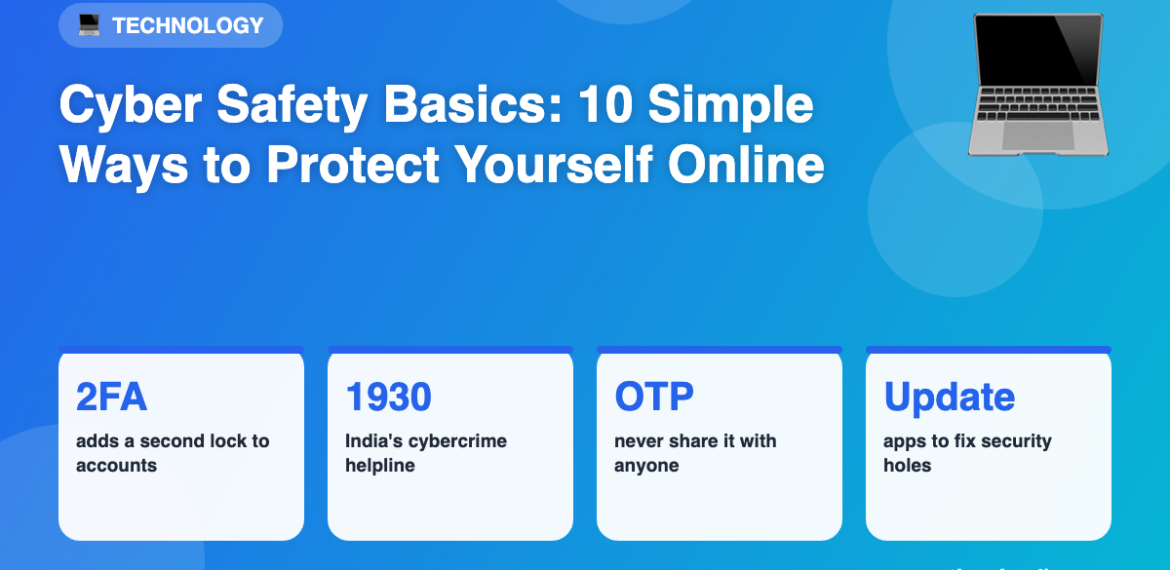
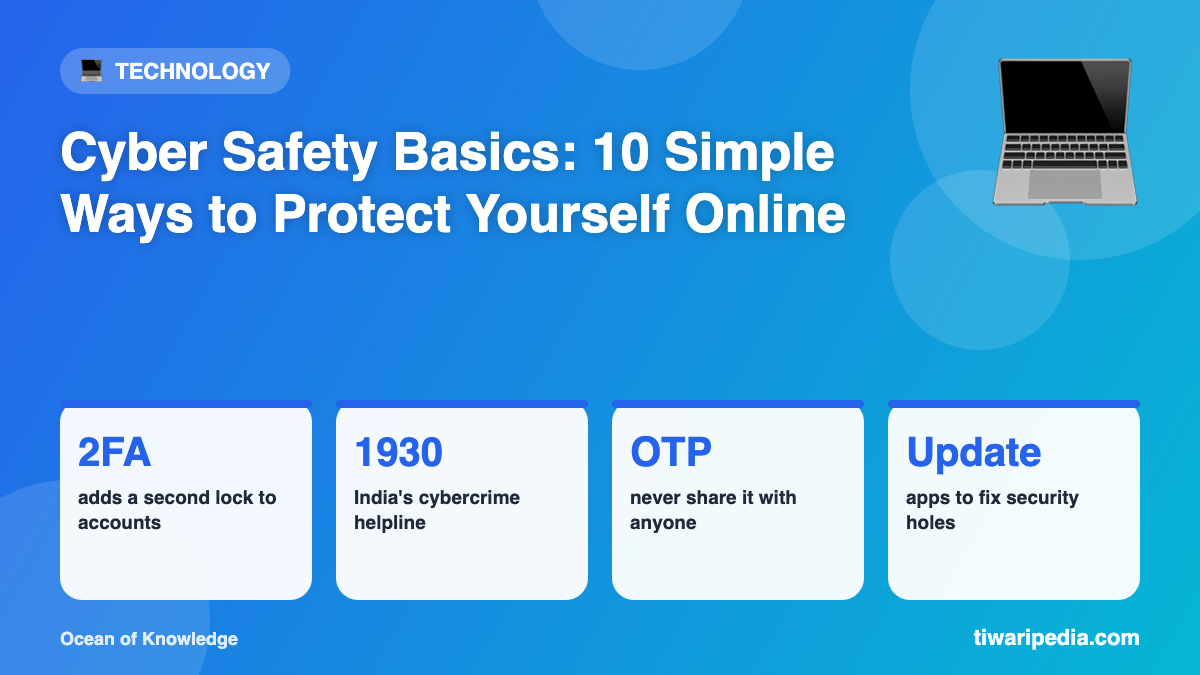
Banks, government departments and genuine companies will never ask for your OTP, PIN, CVV or password over a call, SMS or email.
2. Spot phishing messages
Phishing messages pretend to be from trusted organisations and create urgency: “Your account will be blocked”, “Your KYC has expired” or “You have won a prize”. Do not click links in such messages. Go to the official app or website directly instead.
3. Use strong, unique passwords
Use long passphrases that mix words, numbers and symbols, and do not reuse the same password across sites. A password manager can help you remember them.
4. Turn on two-factor authentication (2FA)
2FA requires a second step, such as a code from an app, in addition to your password. Even if someone steals your password, they cannot log in easily.
5. Keep your phone and apps updated
Updates often fix security holes that criminals exploit.
6. Download apps only from official stores
Never install apps from links sent by strangers, especially “screen sharing” or remote-access apps.
7. Be careful on public Wi-Fi
Avoid banking or entering passwords on free public Wi-Fi.
8. Check before you pay
Verify the name on UPI payments, and remember you never need to enter your PIN to receive money.
9. Protect your social media
Limit what you share publicly, such as your phone number, address and travel plans, and set accounts to private where possible.
10. Report fraud immediately
In India, call the national cybercrime helpline 1930 or report at cybercrime.gov.in, and inform your bank at once. Quick reporting improves the chance of stopping the money.